
YTD STUDIO / WINDOWS
How to download YouTube videos to your PC
A step-by-step Windows guide to saving video as MP4 or MKV and audio as MP3.
Save video as MP4 or MKV
- 01
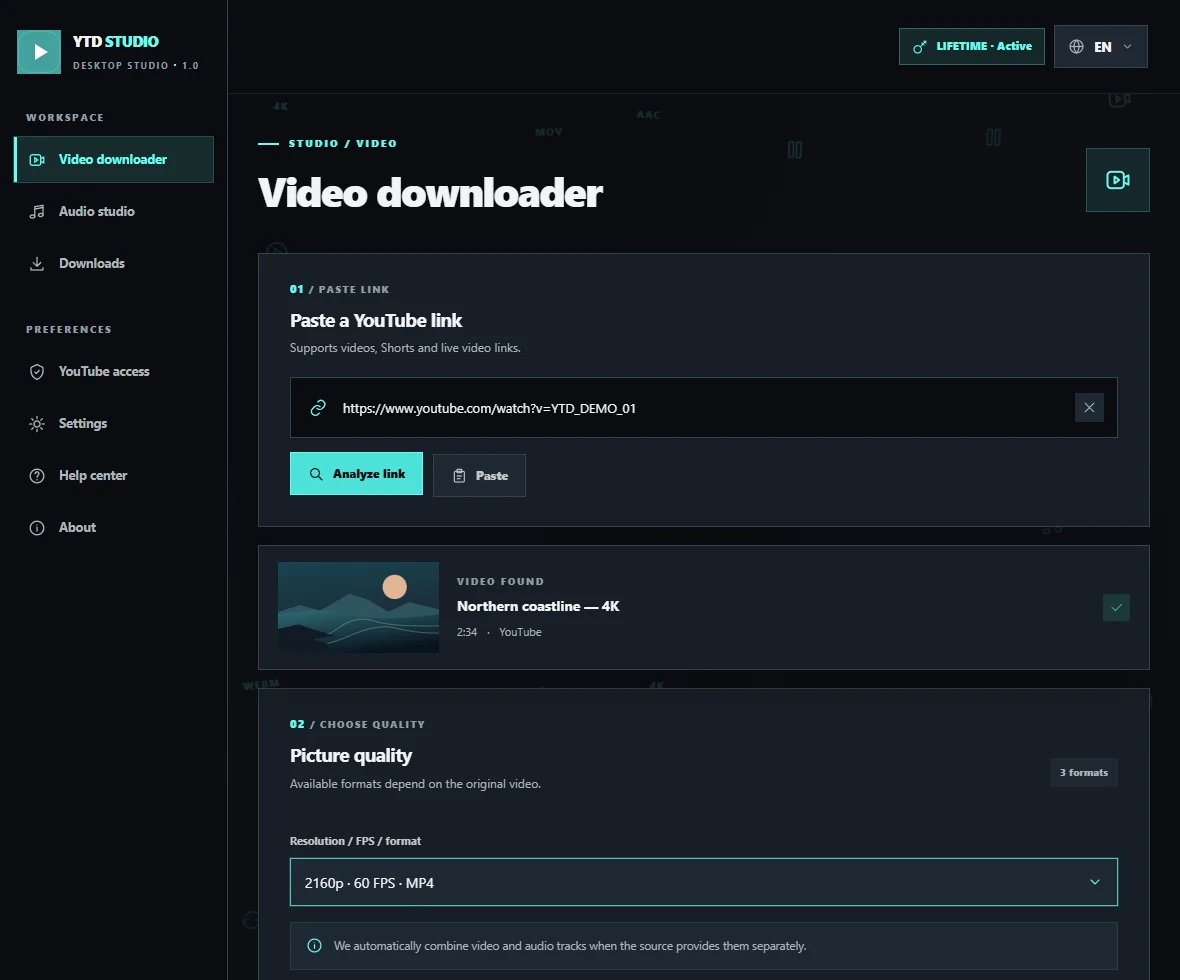
Open YTD STUDIO
Double-click the EXE. There is no installation step.
- 02
Paste the video link
Copy the YouTube video URL and paste it in the Video tab.
- 03
Choose a format and folder
Choose MP4 or MKV, select a folder, and start the download. You will find the finished file in that folder.
How to save just the audio as MP3
Open the Audio tab, paste the YouTube link, choose MP3, and start the download.